

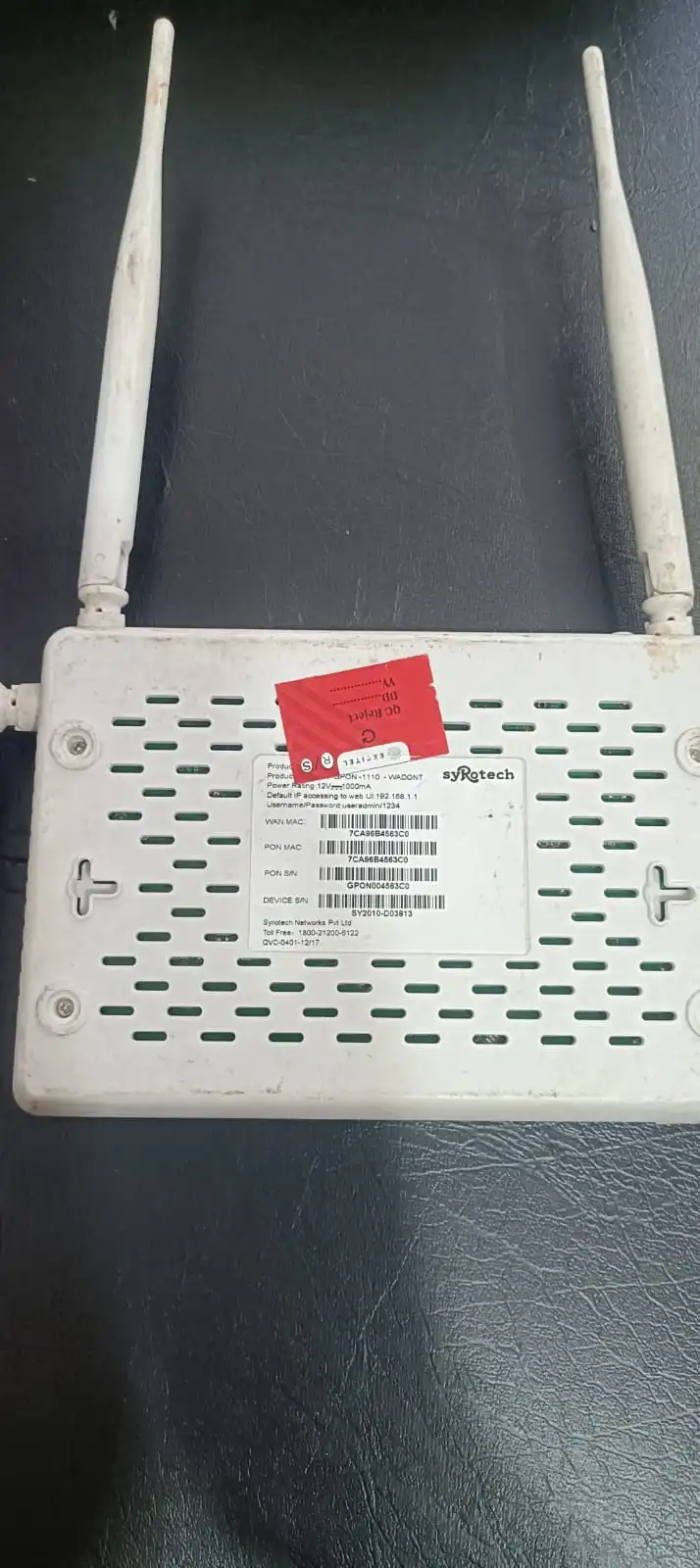
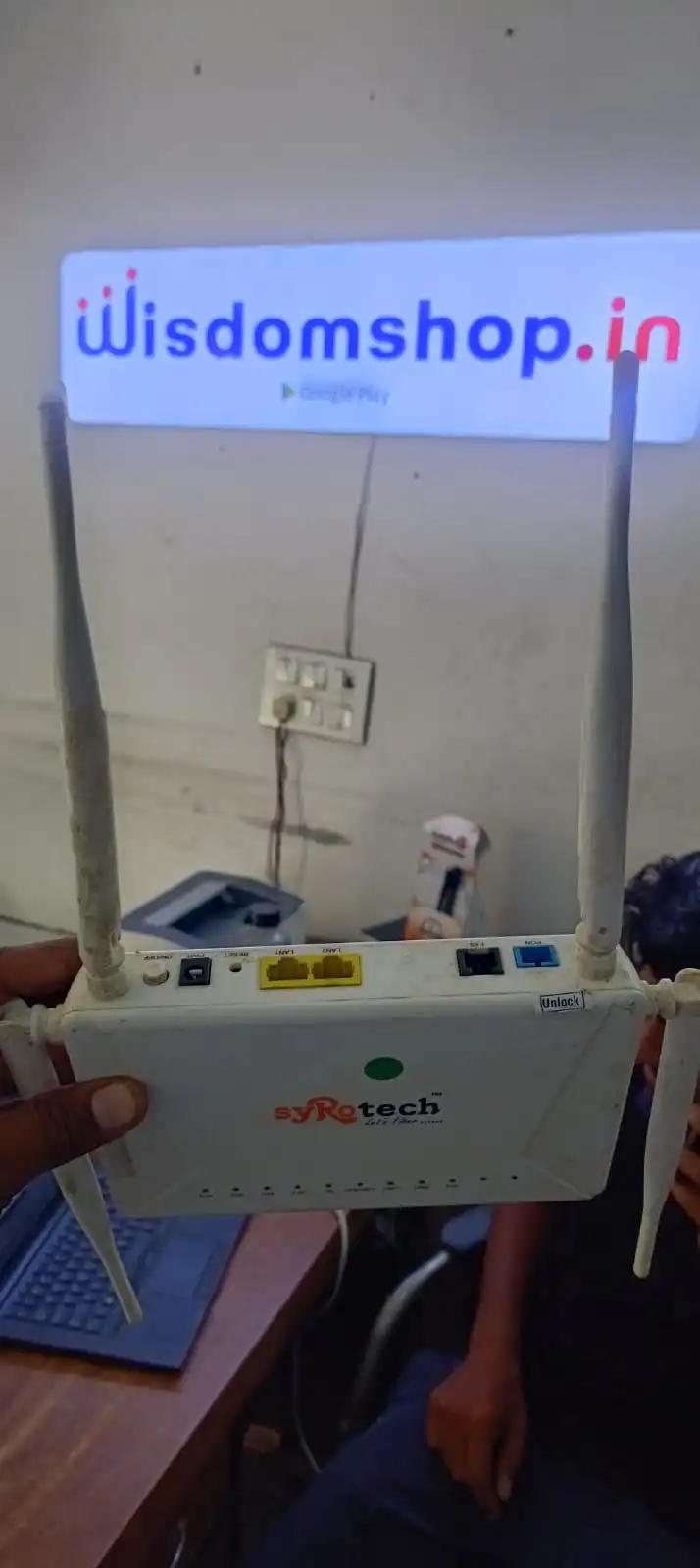
Syrotech XPON Dual Band ONT 2GE + Voice
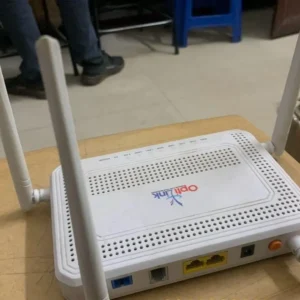
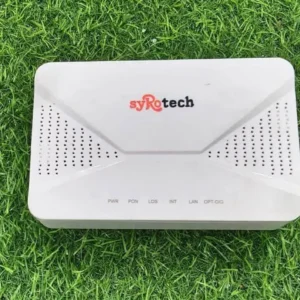
A reliable FTTH connection needs an ONT that can handle internet connectivity, wired devices and voice services from a single network terminal. This Syrotech XPON Dual Band ONT combines dual-band Wi-Fi, 2 LAN ports and 1 voice port in one compact device.
The unit is suitable for ISP and FTTH deployments where customers need more than one wired Ethernet connection along with wireless connectivity.
The 2 Gigabit LAN ports can be used for connecting devices such as a computer, Wi-Fi router, switch, IPTV equipment or other Ethernet-enabled devices, depending on the network configuration.
The dedicated voice port provides connectivity for compatible voice/telephone services when the ONT is provisioned for VoIP by the service provider.
Syrotech’s official comparable 2GE+POTS AC Wi-Fi XPON model is described for FTTH and triple-play services and specifies 2GE + POTS connectivity with dual-band AC Wi-Fi.
What is a Syrotech XPON Dual Band ONT?
A Syrotech XPON Dual Band ONT is an Optical Network Terminal designed to terminate the fiber connection at the customer’s premises and provide network connectivity through Ethernet and Wi-Fi.
XPON equipment can be designed for dual-mode PON operation, depending on the exact model, allowing compatibility with GPON and EPON network environments.
For this particular product listing, the important customer-facing configuration is:
XPON + Dual Band Wi-Fi + 2 Gigabit LAN + 1 Voice Port
This combination makes the ONT suitable for home broadband, small offices and FTTH installations where both data and voice connectivity are required. check here vsol chipset ont
What are the Main Features of This Syrotech XPON ONT?
2 Gigabit LAN Ports
The ONT comes with 2 LAN ports, giving the user two wired Ethernet connection points.
Gigabit Ethernet is useful for high-speed local networking and broadband connections where the connected equipment also supports Gigabit Ethernet.
Dual Band Wi-Fi
The dual-band wireless configuration provides connectivity over the supported 2.4 GHz and 5 GHz Wi-Fi bands.
Using the appropriate band can help accommodate different devices and network requirements.
1 Voice Port
The dedicated voice port allows compatible telephone/VoIP services to be connected through the ONT when supported and provisioned by the ISP.
Reacherlink Chipset
As supplied by you, this particular unit uses a Reacherlink chipset. The exact chipset model and supported hardware/software features should be verified from the unit’s label or datasheet before publishing detailed chipset specifications.
Charger Included
The product is supplied with its power adapter/charger, allowing the ONT to be powered directly after installation.
Where is Syrotech XPON Dual Band ONT Used?
This ONT can be used in a variety of fiber broadband environments, including:
- FTTH broadband connections
- ISP customer installations
- Home fiber internet
- Small office networks
- Dual-band Wi-Fi deployments
- Internet + voice installations
- GPON/EPON-compatible XPON environments, where supported by the exact model
- Fiber broadband replacement or upgrade requirements
Syrotech describes its comparable 2GE+POTS XPON HGU specifically for FTTH and triple-play service requirements.
How to Use Syrotech XPON Dual Band ONT ?
Installing the ONT should generally be done by the ISP or a trained fiber technician.
Step 1 – Connect the Fiber
Connect the incoming optical fiber to the ONT’s PON/optical port using the appropriate connector.
Avoid touching the fiber connector end and keep the optical connector clean.
Step 2 – Connect the Charger
Connect the supplied power adapter to the ONT and then connect it to a suitable electrical supply.
Step 3 – Connect LAN Devices
Use the 2 LAN ports to connect compatible Ethernet devices.
For example:
LAN 1 → Computer / Router
LAN 2 → Switch / Other Network Device
The actual configuration depends on the ISP’s network setup.
Step 4 – Configure Wi-Fi
Once the ONT is provisioned and online, configure the wireless network according to the device’s management interface and ISP settings.
Step 5 – Configure Voice
If voice service is included, the ISP can provision the voice/VoIP account and connect a compatible telephone to the voice port.
What Can You Connect to the 2 LAN Ports?
The two Ethernet ports provide flexibility for wired networking.
Depending on the ISP configuration, you can connect:
- Desktop computer
- Laptop
- Wi-Fi router
- Network switch
- IPTV device
- Access point
- Other Ethernet networking equipment
The actual internet speed available to a connected device depends on the broadband plan, PON configuration, Ethernet capability and other network conditions.
What is the Use of the Voice Port?
The 1 Voice Port is designed for compatible telephone/VoIP connectivity.
In an FTTH deployment that provides internet and voice together, the ISP can configure the ONT’s voice service and connect a telephone handset through the voice interface.
This makes the ONT useful for data + Wi-Fi + voice requirements instead of requiring separate equipment for every service.
Why Choose a Dual Band XPON ONT With 2 LAN Ports?
For many FTTH installations, a single LAN port can be limiting when multiple wired devices are required.
A 2 LAN Dual Band XPON ONT provides:
- Two wired Ethernet interfaces
- Dual-band wireless connectivity
- Fiber termination
- Voice connectivity
- A single integrated customer-premises device
This can make the installation cleaner and more practical for customers who need both wired and wireless networking.
Syrotech XPON ONT for ISP and FTTH Installations
For ISP deployments, ONT selection should be based on compatibility with the OLT, PON technology, optical specifications and the required subscriber services.
This Syrotech XPON Dual Band ONT is particularly relevant where the installation requires:
Fiber Internet + Dual Band Wi-Fi + 2 LAN + Voice
Before bulk deployment, ISPs should test the exact ONT model with their OLT and provisioning system.
This is important because XPON interoperability and management features can vary by model, firmware and OLT vendor.
Technical Specifications
| Specification | Details |
|---|---|
| Brand | Syrotech |
| Product Type | XPON Dual Band ONT |
| PON Technology | XPON |
| LAN Ports | 2 |
| LAN Interface | Gigabit Ethernet* |
| Voice Port | 1 |
| Wi-Fi | Dual Band |
| Chipset | Reacherlink |
| Power Supply | Charger Included |
| Application | FTTH / ISP / Broadband |
| Wireless Use | 2.4 GHz + 5 GHz* |
| Device Type | Optical Network Terminal |
* Exact interface/wireless specifications should be confirmed from the actual model label or datasheet. Syrotech’s comparable official 2GE+POTS model specifies 2GE + POTS and dual-band AC Wi-Fi.
Important Things to Check Before Installing
For an ISP or technician, these points are more important than simply looking at the number of ports:
1. OLT Compatibility
Confirm that the ONT is compatible with the OLT being used.
2. PON Mode
Check the supported GPON/EPON mode for the exact model.
3. Optical Power
Verify the received optical power at the ONT.
4. Wi-Fi Configuration
Configure SSID, password, wireless security and other settings according to the ISP’s requirements.
5. Voice Provisioning
Voice service requires appropriate ISP-side configuration; simply connecting a telephone does not automatically activate VoIP.
6. Firmware
Use the correct firmware for the exact ONT model and hardware version.
Who Should Buy This Syrotech XPON Dual Band ONT?
This product can be useful for:
- ISP companies
- FTTH broadband providers
- Fiber technicians
- Network installers
- Telecom contractors
- Broadband resellers
- Home fiber installations
- Small office fiber networks
- Replacement ONT requirements
For bulk ISP deployment, test a sample unit with your existing OLT and provisioning environment before deploying a large quantity.
Reviews
There are no reviews yet.